

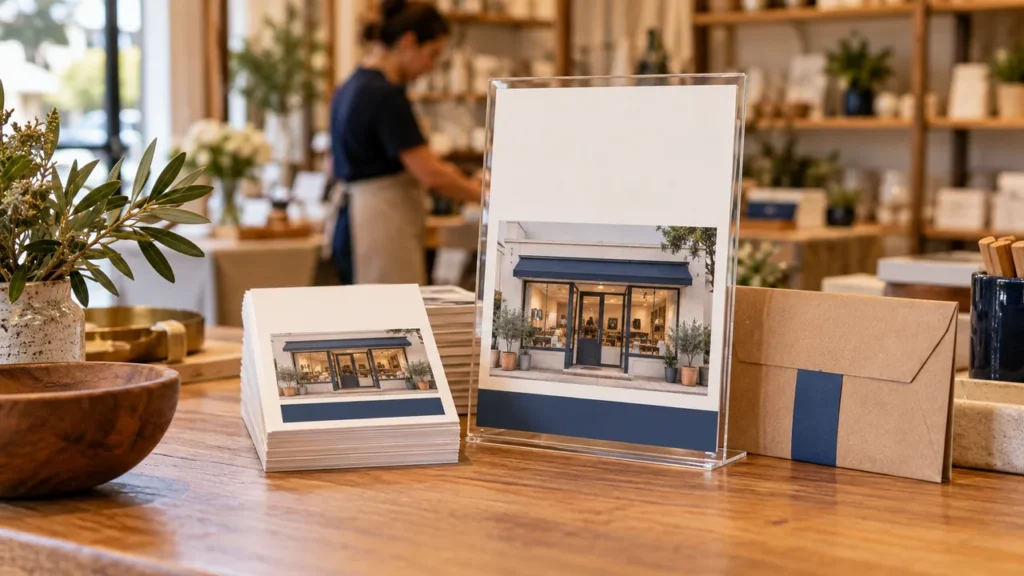
A flyer usually receives less attention than a full service page. Its job is to help someone recognize a relevant offer and understand the next step without decoding a crowded layout. Decide where it will be seen, what the reader needs immediately and which supporting details belong at the destination before choosing decorative elements.
Define the reading situation and main message
Record whether the flyer will be handed out, placed on a counter or displayed on a wall. Estimate how close people will be and how much time they are likely to give it. A wall notice needs a different hierarchy from a small takeaway card, even if both promote the same service.
Write the main message as a plain sentence before designing it. Name the service or useful action and the audience it fits. Avoid a headline so broad that a reader must study the rest of the page to learn what the business does. The opening should help the right person decide to continue.
Build a short information hierarchy
Arrange the content in a clear order: recognizable headline, essential offer detail, important conditions and next action. Use type size and spacing to establish that order. Keep the business identity visible without allowing a large logo to displace the information the customer needs to understand the offer.
Reduce copy before reducing text size. Remove repeated claims and long background stories, but retain conditions that change the offer’s meaning. A flyer can direct readers to more detail, yet the headline should still be accurate on its own. Do not rely on tiny text to correct an exaggerated promise.
Use imagery that helps explain the offer
Choose one useful image or a simple graphic treatment rather than several competing pictures. Use approved real imagery when showing the business’s work, staff or premises. Conceptual illustration can support a theme, but should not appear to prove a customer result or a service capability that has not been established.
Give text enough separation from the image to remain readable. Check the actual color combinations and the printed proof rather than judging only isolated palette swatches. Keep the layout usable when a headline wraps or the business name is longer than the example used in a template.
Illustrative flyer hierarchy
A fictional repair shop’s flyer leads with the routine service it offers, follows with the types of bikes covered and explains that availability is confirmed after an enquiry. A single button-like instruction says ‘View the service details,’ beside a tested QR code and a readable website address. It does not combine unrelated offers, a long company history and several competing response routes.
Make the response route understandable
Tell the reader what happens after scanning, calling or visiting the page. A code without a label gives little reason to use it. Include a readable fallback destination or contact route so the flyer remains useful when scanning is inconvenient. Keep the primary action prominent and secondary help genuinely secondary.
Check that the destination continues the same offer. Test the final QR or printed address and confirm any enquiry route reaches the responsible team. If the flyer includes an offer code, establish how staff will recognize it; printing a code does not create redemption tracking or enforce its terms.
Review a physical proof before the batch
Print a proof at the intended size and inspect it in the likely placement conditions. Check text, crop, margins, contrast and the action from a realistic viewing distance. Ask an unfamiliar reader what the flyer offers and what they would do next. Their answer can reveal hierarchy problems that are easy to miss while editing.
Confirm the printer’s requirements for size, bleed and file format, and keep essential information away from trim edges. Test the final exported artwork after any scaling or layout change. Save the approved file with its offer dates and placement plan so an older version is not accidentally reordered later.
- Reading situation and primary message defined.
- Clear headline-to-action hierarchy.
- Accurate imagery and readable text.
- Tested response route with a fallback.
- Physical proof approved at the intended size.
Your next step
Sketch the flyer as four blocks: headline, offer, conditions and action. Use the Flyer Offer Prompts app to prepare a design brief, then add exact approved text and test the finished artwork before printing.